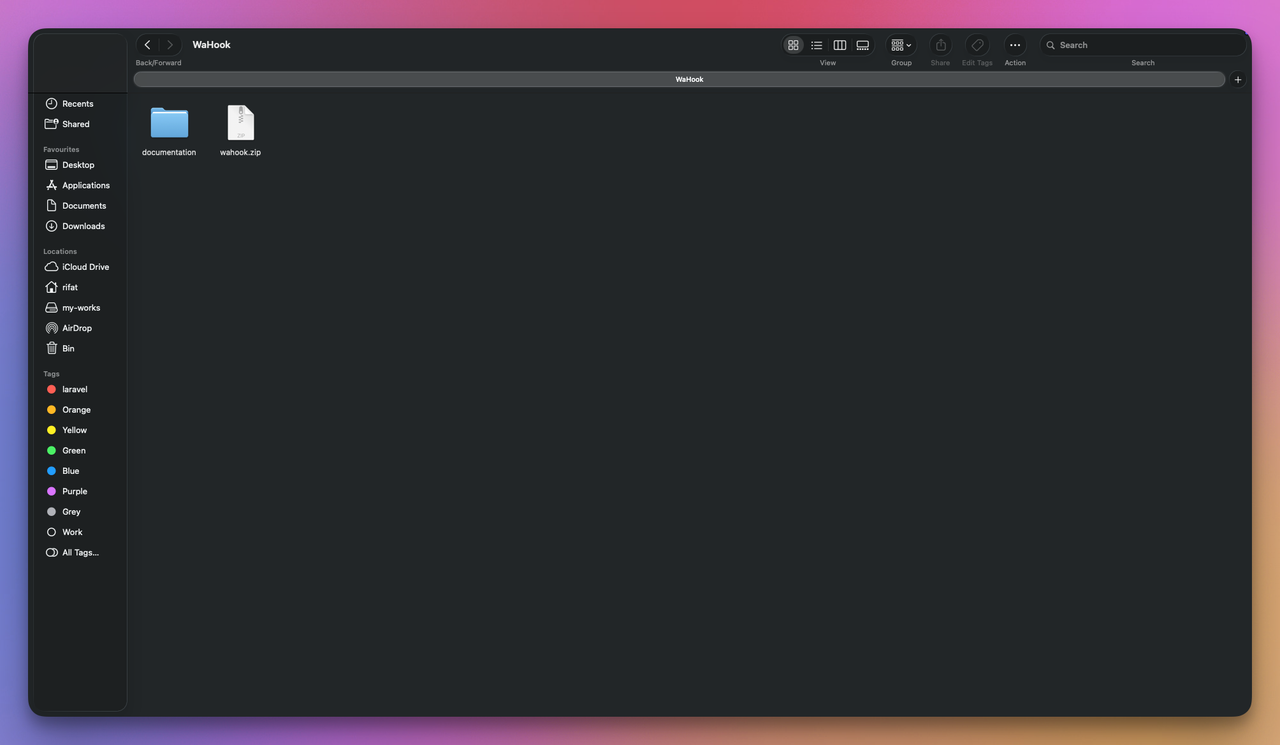
Download file from codecanyon and extract in your pc and you will get 2 file and folder. Listed below:
- Documentation
- wahook.zip
Step 1:
Download file from codecanyon and extract in your pc and you will get 02 folder. Listed below:
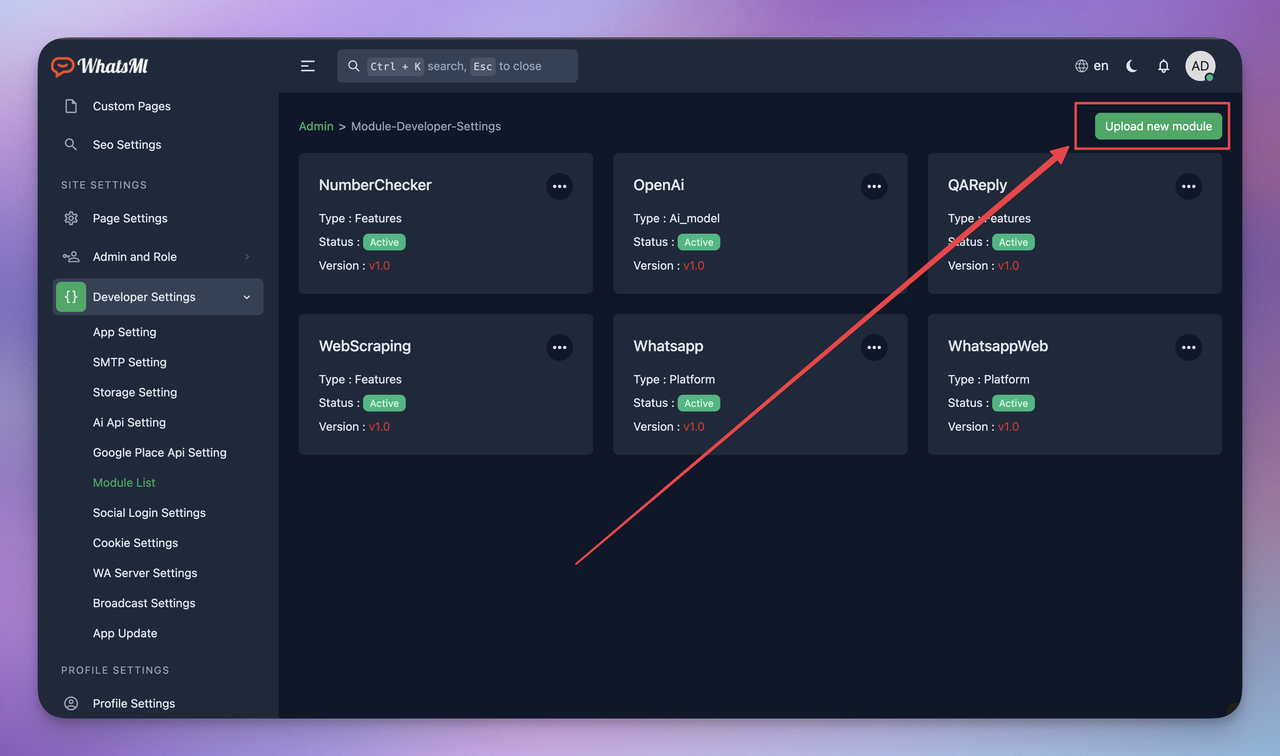
go to your whatsml application -> admin end -> Developer Settings -> Module List -> Upload new module
select the contextai.zip and enter the purchase key
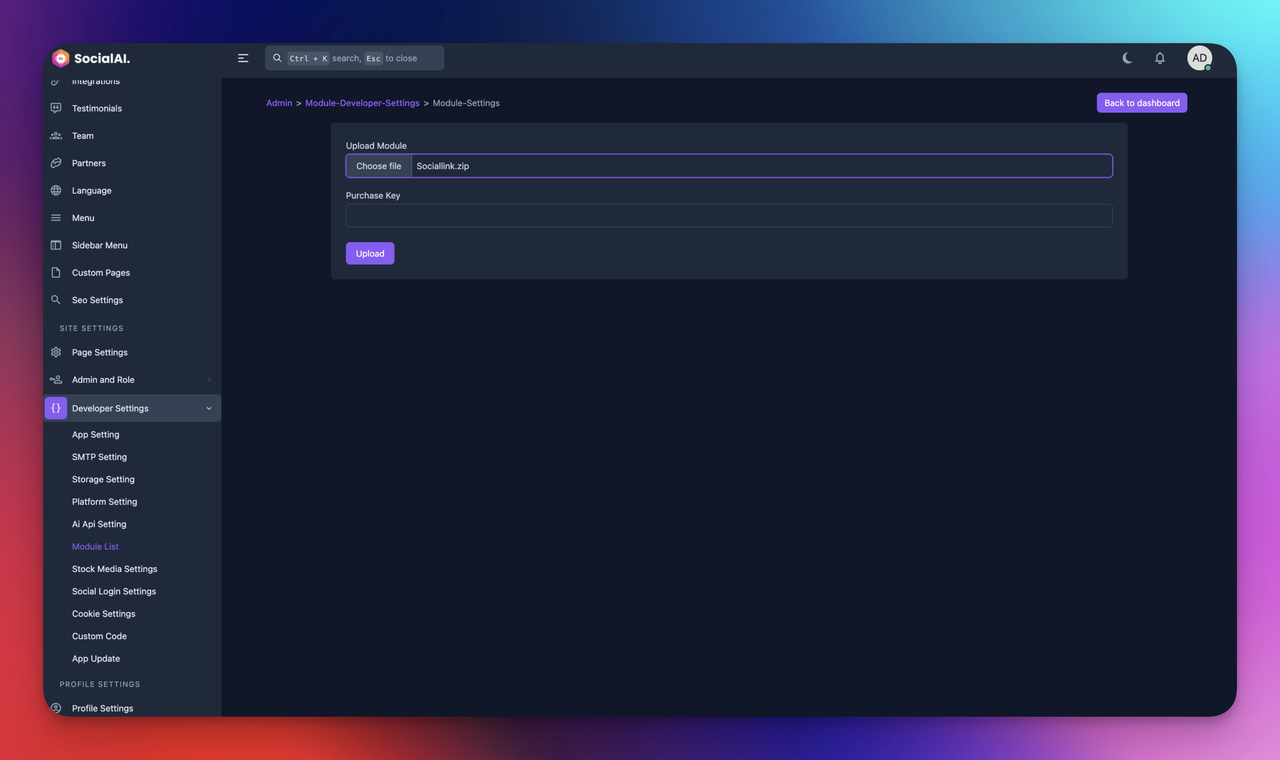
After successfully installation complete the modules will visible in module list page
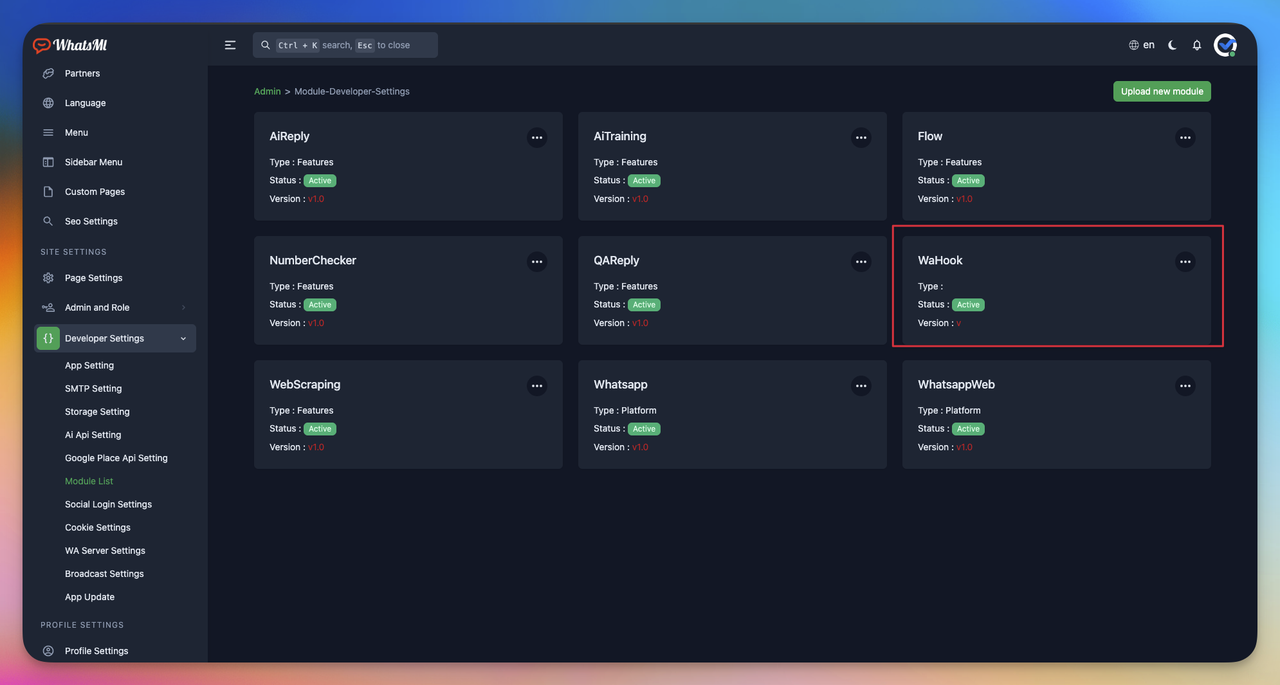
Deactivate & Re-Activate the module
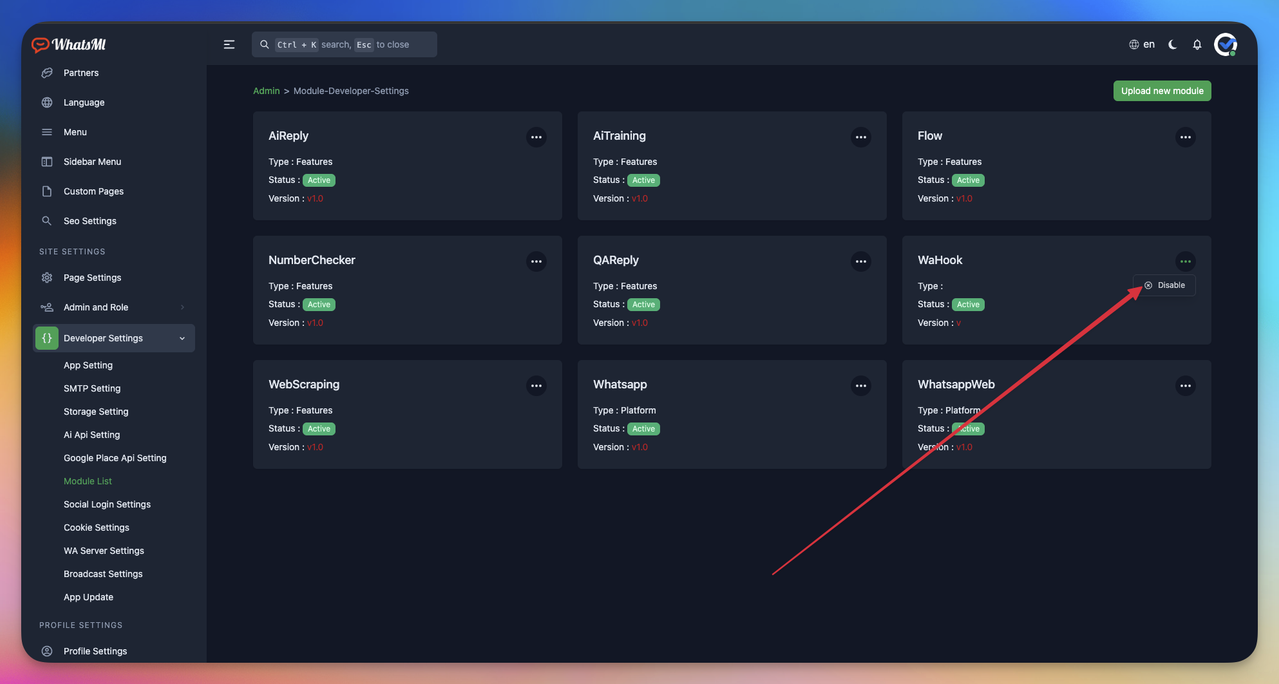
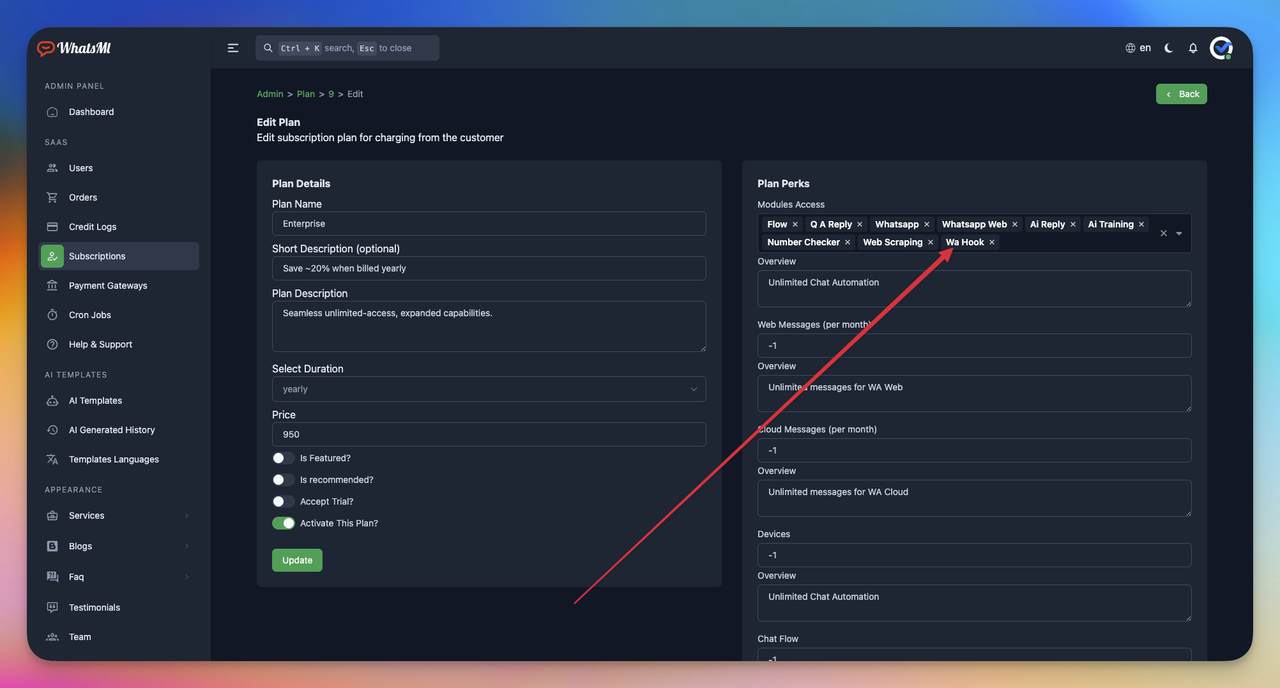
After Activate the module you can see the options in the plan